

Contact support
Send a support request from inside the app, and know when and what to include so we can help quickly.
When a page does not solve your problem, you can reach our support team from inside the app. The request carries your account details, so you do not have to type them.
Send a support request
Section titled “Send a support request”In the sidebar, select Help, directly above Settings.
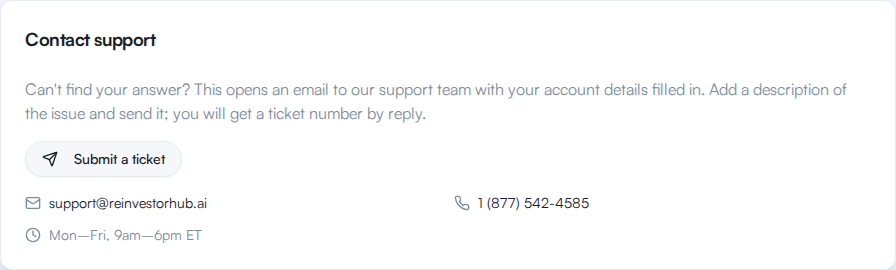
In the Contact support card, select Submit a ticket. Your email app opens with a new message to our support team.
Write under Describe the issue:. Leave the lines below the divider as they are. They hold your account email, organization ID, plan, and the page you were on, which help us find your account.
Send the email.
Other ways to reach us
Section titled “Other ways to reach us”The Contact support card also lists how to reach us directly.
| How | Details |
|---|---|
| [email protected] | |
| Phone | 1 (877) 542-4585 |
| Hours | Mon–Fri, 9am–6pm ET |
If your trial has ended and the app is locked, Contact support is on the lock screen too.
When to contact support
Section titled “When to contact support”- You need to change your email address. The Email field in your profile cannot be edited. See Update your profile.
- You lost your two-factor device. See Turn on two-factor authentication first, then write to us if you still cannot sign in.
- You have a question about billing or your plan.
- You want to close your account. There is no self-serve account deletion.
- Something is broken and Troubleshooting did not fix it.