

Create your account
Sign up for Re:InvestorHub on your own, choose a plan, add payment details, and sign in for the first time.
Setting up Re:InvestorHub for yourself, rather than joining a team someone else already created? This walks you through signing up, choosing a plan, and signing in for the first time.
Sign up
Section titled “Sign up”-
Go to reinvestorhub.ai and click Start your 30-day free trial.
-
Fill in the registration form:
- First Name
- Last Name
- Email Address
- Create Password
- Confirm Password
As you type your password, a strength meter and a checklist appear below it, showing which requirements you’ve met:
- At least 12 characters
- One lowercase letter
- One number
- One special character
-
Click Complete Registration.
Choose your plan
Section titled “Choose your plan”Choosing a plan is part of creating your account, not something you set up later.
-
On the Choose your plan screen, compare the two available plans. Toggle Monthly or Annual to see pricing for each billing cycle.
Plan Users Billed monthly Billed annually Silver Single User $119 / mo $99 / mo Gold Up to 5 Users $219 / mo $199 / mo -
Click a plan’s card to select it. Gold is selected by default.
-
If you have one, enter it under Have a promo code?.
-
Click Continue to payment.
The page confirms your card won’t be charged until your 30-day free trial ends, and that you can cancel anytime before then.
Add payment details
Section titled “Add payment details”Re:InvestorHub takes you to a secure payment page to add a card. Adding a card is required to start your trial, even though you won’t be charged during the trial period.
What you should see
Section titled “What you should see”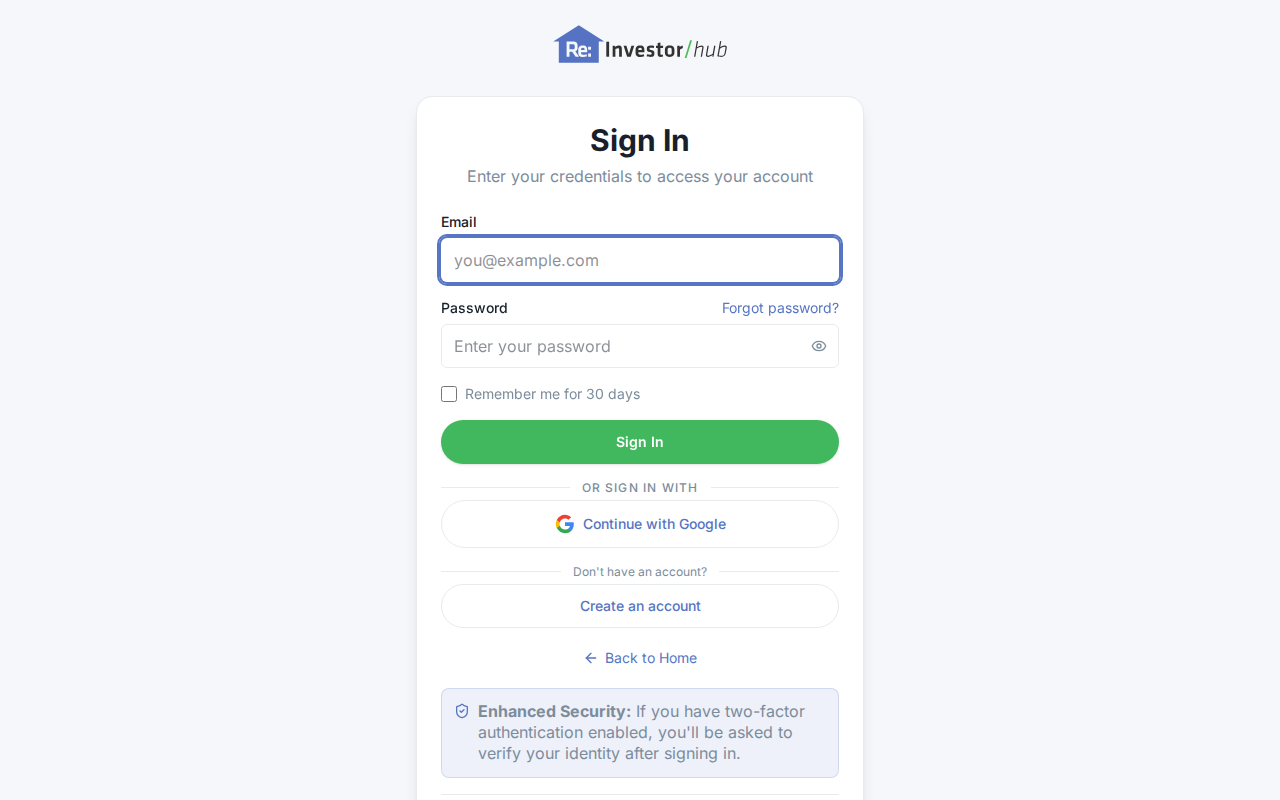
Once your payment method is confirmed, you land on your dashboard. Re:InvestorHub greets you by name and opens a short welcome tour. Click Let’s get started to walk through it, or close it and explore on your own.
Sign in later
Section titled “Sign in later”- Go to reinvestorhub.ai and click Login.
- Enter your Email and Password.
- Click Sign In.
You’re taken to your dashboard.
- Accept a team invitation: what happens instead if someone invites you to their organization.